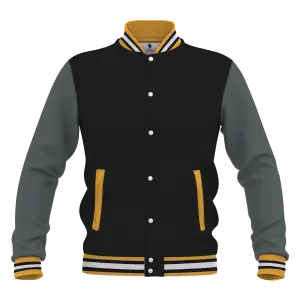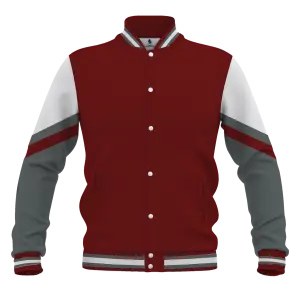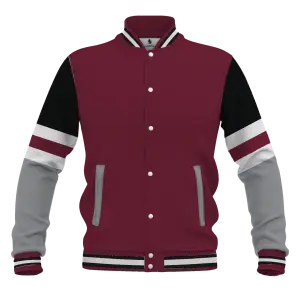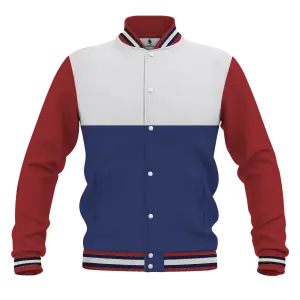
HOW TO USE THE DESIGN EDITOR?
- Use “Manage Layers” on top left to change colors of your Jacket
- Use “Add Image” and “Add Text” on top to add your club logo, jacket number and name
- On Bottom left, use the “Front” & “Back” to flip your jacket so that you can design both sides
- “Download” from top center to save the jacket design on your laptop and send it to us
HOW TO ORDER YOUR JACKETS?
- Design your jacket by adding text and images.
- Download the image
- Send us the file using contact form or Email us at sales@gomorugby.com.au
Feel free to call us on (02) 97601155 if you have any questions.